

Your AI answers with what you know.
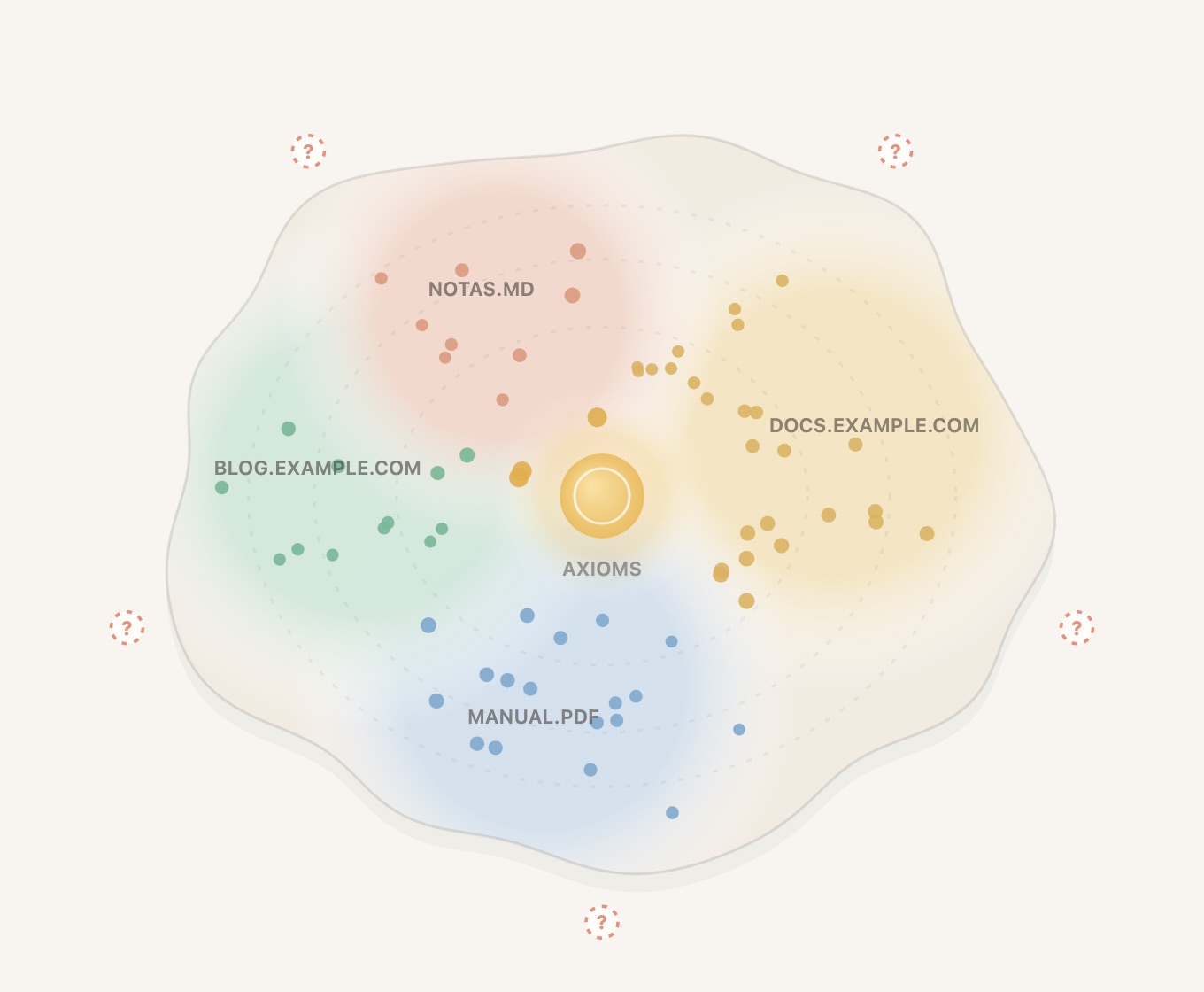
Teach it your documents or a whole website. It answers citing the source, and tells you when it does not know.
How it works
Teach it
Documents, PDFs or a whole website, from your AI.
Ask
Every answer cites its source and says how sure it is.
Correct it
What it does not know stays as an open question for you to fill.
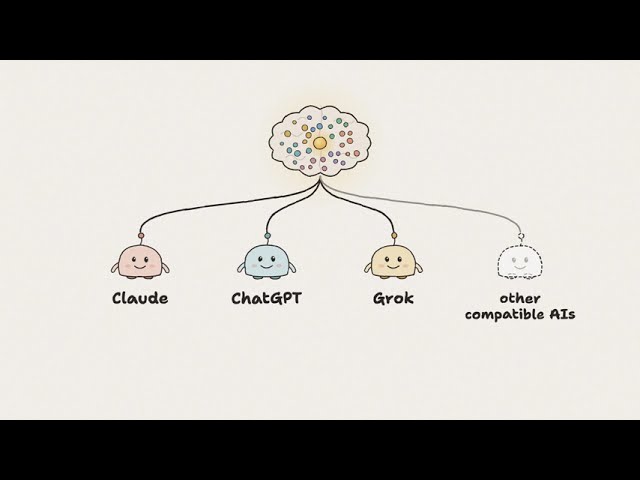
Video not loading? Open it on YouTube →
Starter plan: getting started costs you nothing.
Up to 3 brains, credit every month to teach them and 3,000 queries a month for your AI. You can invite up to 5 people.
Need more? Write to us.
If you reach the month's limit, we don't charge you anything.
Already using MaBrain every day? Founder spots →
Install it where you already work
Claude opens with MaBrain already filled in. You will see a warning and some technical options: you don't need to change anything, they are already set right. Scroll to the bottom and press Continue, leave everything as it is and press Add; then press Connect and sign in with Google, GitHub or your email. Your brain is created right there.
Without a paid plan, Claude allows one custom connector. On Team and Enterprise plans, an owner adds it for everyone.
- Add MaBrain to Claude Code:
claude plugin marketplace add smtx/mabrain-plugin - Install it:
claude plugin install mabrain@mabrain - Open Claude Code, type
/mcp, pick mabrain and sign in with Google, GitHub or your email. Your brain is created right there.claude
Then just ask, in your own words: “Add https://example.com/docs to my brain”, “add this PDF”, “connect my agent to my brain”.
Customize → Plugins → Add → Add marketplace → smtx/mabrain-plugin → install MaBrain, then connect it in its Connectors tab and sign in with Google, GitHub or your email.
Tell Grok:
Connect to MaBrain: https://api.mabra.in/mcpGrok adds MaBrain as a connector and shows you a card to sign in: use Google, GitHub or your email. Your brain is created right there.